Templates in. Documents out.
DocMake turns one template into every version of a document you'll ever need. Design it visually, fill it with data by hand or through the API, and download pixel-perfect DOCX and PDF files.
Free plan includes 1,000 documents per month.
What is DocMake
One template. Every document.
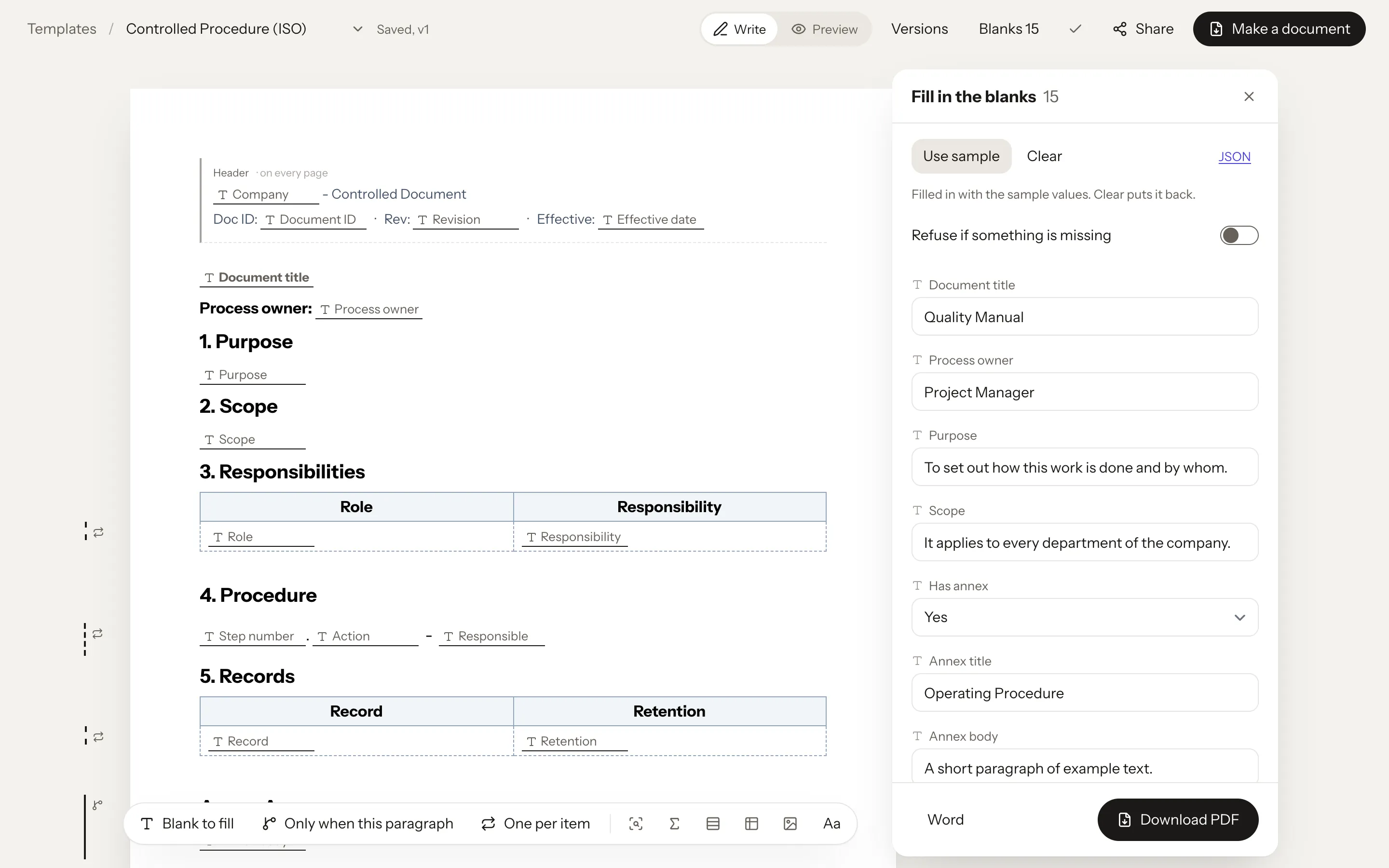
DocMake is a document generation platform. You design a document template once, with the layout, branding, and wording you want, and mark the parts that change as blanks to fill. From then on, DocMake produces finished Word (DOCX) and PDF files by merging your data into that template. The result looks the same whether you generate one document or ten thousand.
Templates are built in a visual, Word-like editor. Beyond a plain blank, a template can hold parts that appear Only when the values call for them, and parts that repeat One per item, expanding into table rows or paragraphs for every item in a list: invoice line items, procedure steps, contract parties, anything. Page headers, footers, custom fonts, and page numbering are all part of the template.
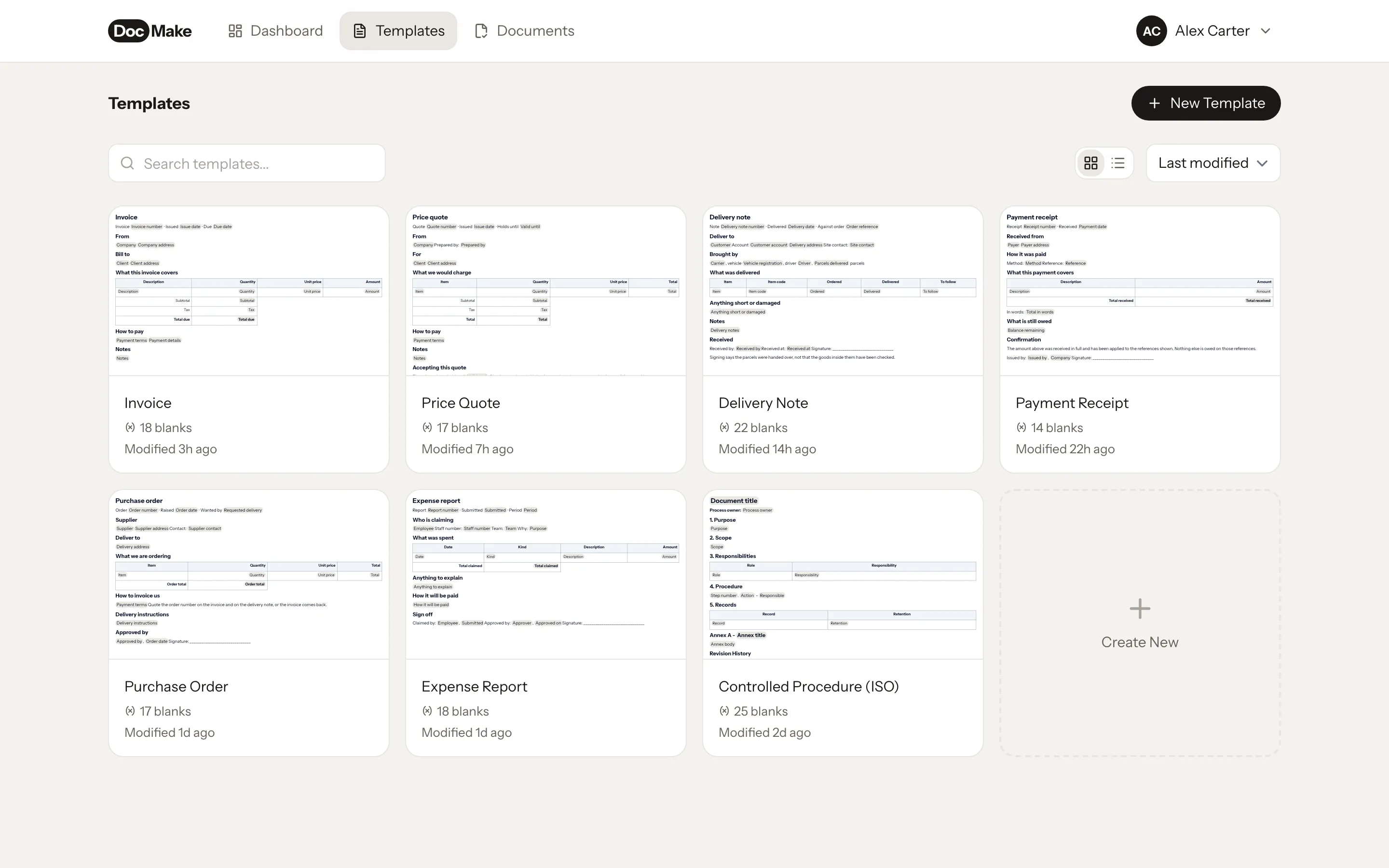
There are three ways to get documents out: fill in the blanks yourself in the app, share a form link so someone else can fill them in without an account, or call the REST API with a JSON payload from your own software. Typical uses include invoices, quotes, contracts, NDAs, HR letters, certificates, reports, and ISO-style controlled procedures and quality-management documents.
DocMake also helps with the writing itself: AI can draft template content, and finished templates can be translated into 8 languages while keeping the structure and the blanks intact. Existing DOCX files can be imported and turned into templates. Teams share a workspace with common templates, per-team API keys, and an audit log.
Features
Everything a document pipeline needs
One engine behind the editor, the form links, and the API, so every document looks the same.
Visual template editor
Design documents in a Word-like editor. Leave a blank wherever a value goes, show a part Only when it applies, repeat a part One per item. There is no syntax to memorize.
DOCX and PDF output
Every document comes out as a native Word file or a print-accurate PDF. Headers, footers, tables, and custom fonts all carry through.
REST API
POST your data as JSON, get a document back. Integrate document generation into your product, CRM, or internal tools in minutes.
Only when and One per item
Show or hide a part of the document depending on the values. Repeat rows and blocks for line items, process steps, or any list, and the layout adapts.
AI-assisted authoring
Generate template content, translate documents into 8 languages, and import existing DOCX files with their structure intact.
Team workspaces
Shared templates, per-team API keys, custom fonts, and an audit log. Invite teammates and keep documents consistent.
How it works
From template to document in three steps
Design a template
Build the document once in the visual editor, or import an existing DOCX. Mark every part that changes as a blank to fill.
Send your data
Fill in the blanks by hand in the app, share a form link, or call the REST API with JSON from your own systems.
Get the document
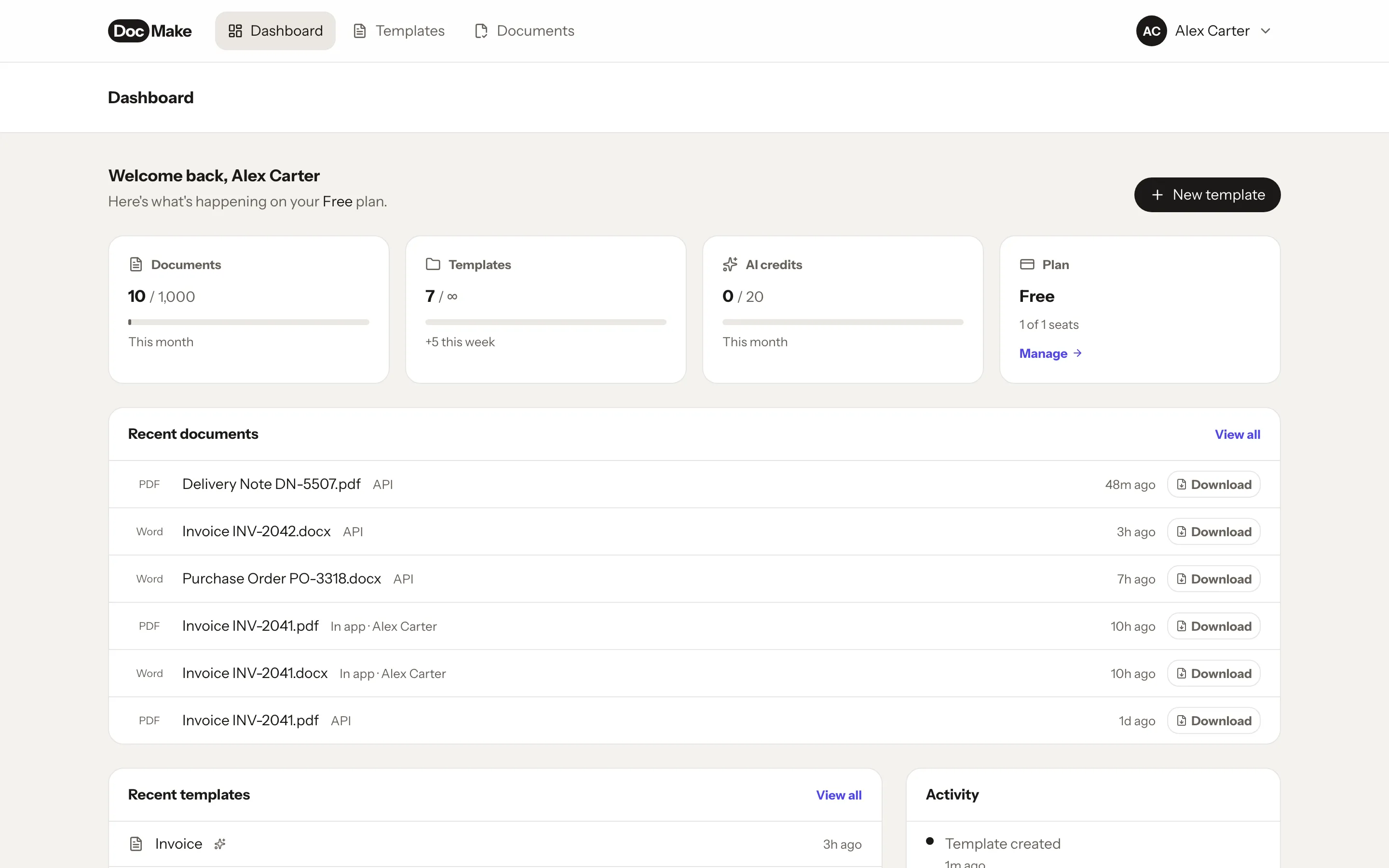
Download a polished DOCX or PDF. Same layout every time, whether you make one document or ten thousand.
API
Built for developers, too
Everything you do in the editor is available over a REST API with token auth and rate-limit headers. Make a document with one request.
Read the API docs →curl -X POST https://app.docmake.io/api/v1/render \
-H "Authorization: Bearer dm_live_..." \
-H "Content-Type: application/json" \
-d '{
"template_id": "tmpl_ne1EfQns2YBH",
"format": "pdf",
"data": {
"company": "Acme Corp",
"doc_title": "Document Control Procedure",
"steps": [
{"action": "Draft", "responsible": "QM"},
{"action": "Approve", "responsible": "CEO"}
]
}
}'FAQ
Questions people actually ask
- What file formats does DocMake produce?
- Native Word (DOCX) files and print-accurate PDFs, from the same template, with identical layout. Recipients can edit the DOCX like any Word document.
- Do I need to write code to use DocMake?
- No. Templates are designed in a visual editor and can be filled in the app or through shareable form links. The REST API is there when you want to automate, not a requirement.
- How is DocMake different from Carbone, Docmosis, or PDFMonkey?
- Most document generators have you author templates in Word files with special syntax, or in HTML/CSS. DocMake uses a visual editor where you insert the blanks to fill, the parts that show Only when something is true, and the parts that repeat One per item, and it outputs both DOCX and PDF. Dated, honest comparisons live at docmake.io/compare.
- Can DocMake translate my documents?
- Yes. A template can be translated into 8 languages (English, German, French, Spanish, Portuguese, Dutch, Italian, Romanian) with its structure and its blanks intact.
- Is the free plan really free?
- Yes: 1,000 documents per month, unlimited templates, and full API access, forever, no credit card. Free documents carry a small "Generated with DocMake" footer line; Pro removes it.
- Can I import existing Word documents?
- Yes. Upload a DOCX and it becomes an editable template with headings, tables, headers, and footers preserved. Then mark the parts that change as blanks to fill.
Make your first document in minutes
The free plan is the trial: 1,000 documents a month, no credit card, no time limit.
Get started free